> ## Documentation Index
> Fetch the complete documentation index at: https://docs.lisaapp.in/llms.txt
> Use this file to discover all available pages before exploring further.
# Login
> Follow these steps to log in and access your personalized learning experience.
## Authentication Process
Open your web browser and navigate to
[https://lisaapp.in/auth](https://lisaapp.in/auth).
Bookmark this page for quick access in the future.
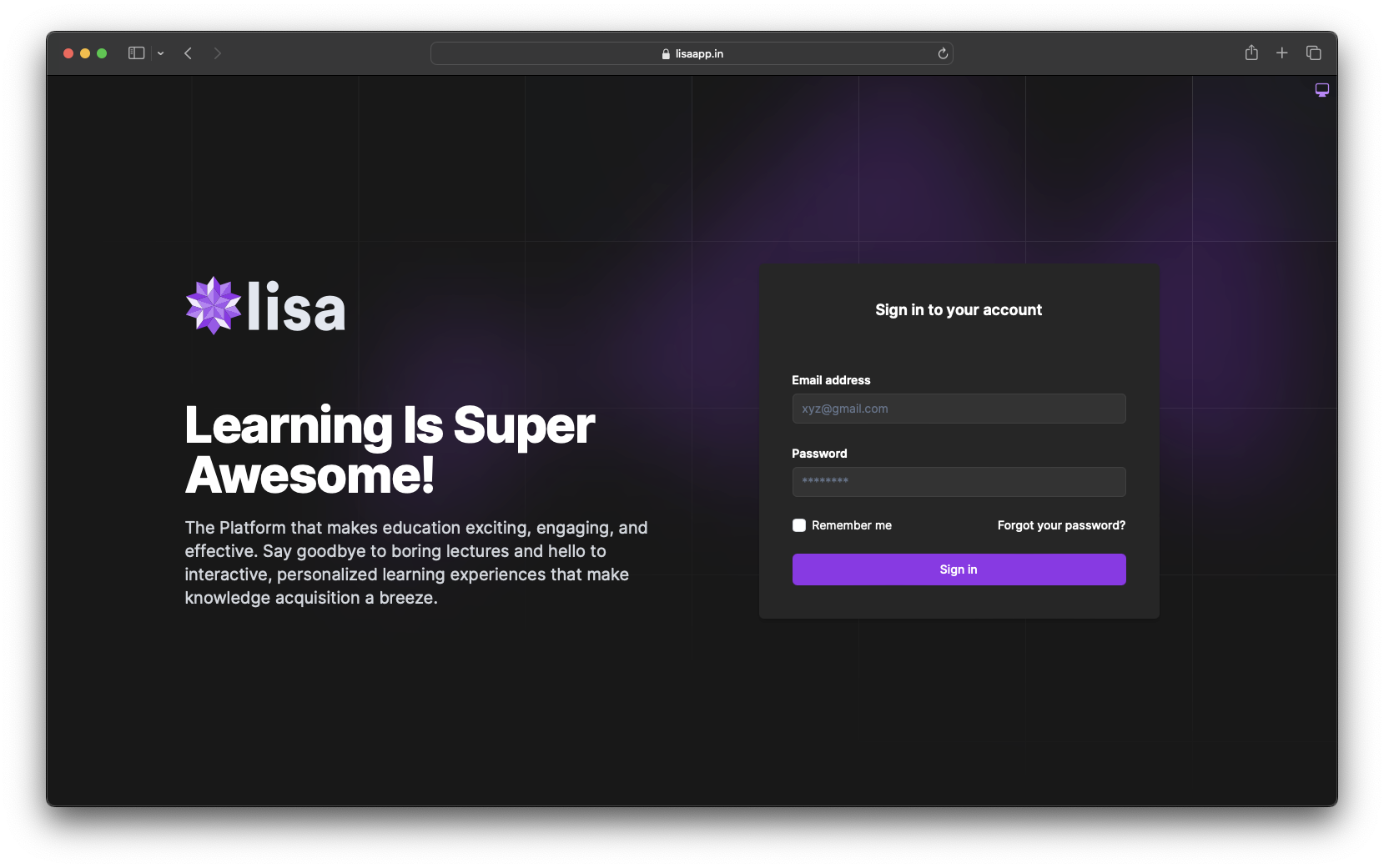 Input your registered email address and password in the respective fields.
Ensure caps lock is off and you're using the correct email associated with
your LISA account.
After entering your credentials, you'll be prompted to select your
organization from a dropdown menu.
If you're part of multiple organizations, make sure to choose the correct
one for your current session.
Input your registered email address and password in the respective fields.
Ensure caps lock is off and you're using the correct email associated with
your LISA account.
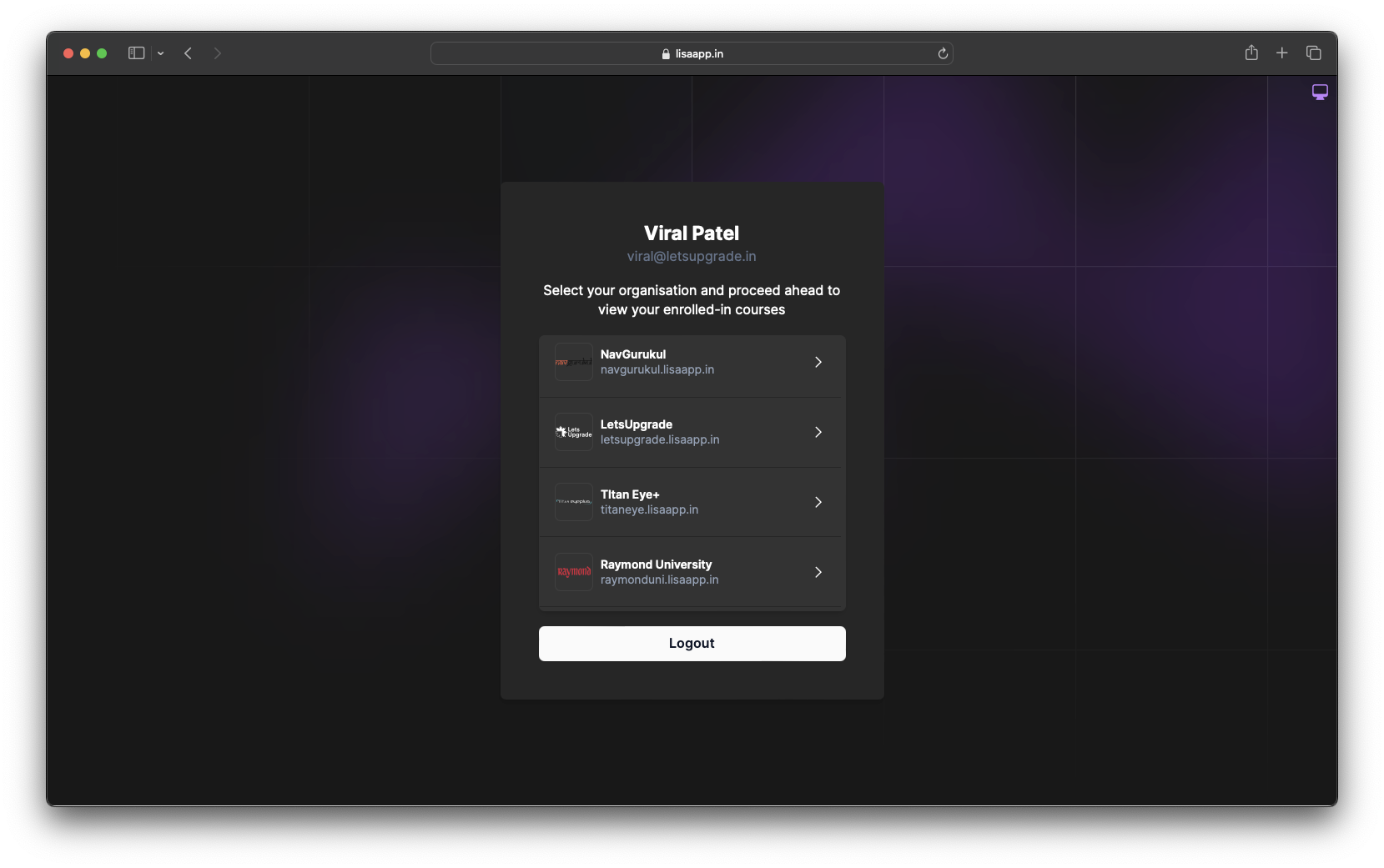
After entering your credentials, you'll be prompted to select your
organization from a dropdown menu.
If you're part of multiple organizations, make sure to choose the correct
one for your current session.
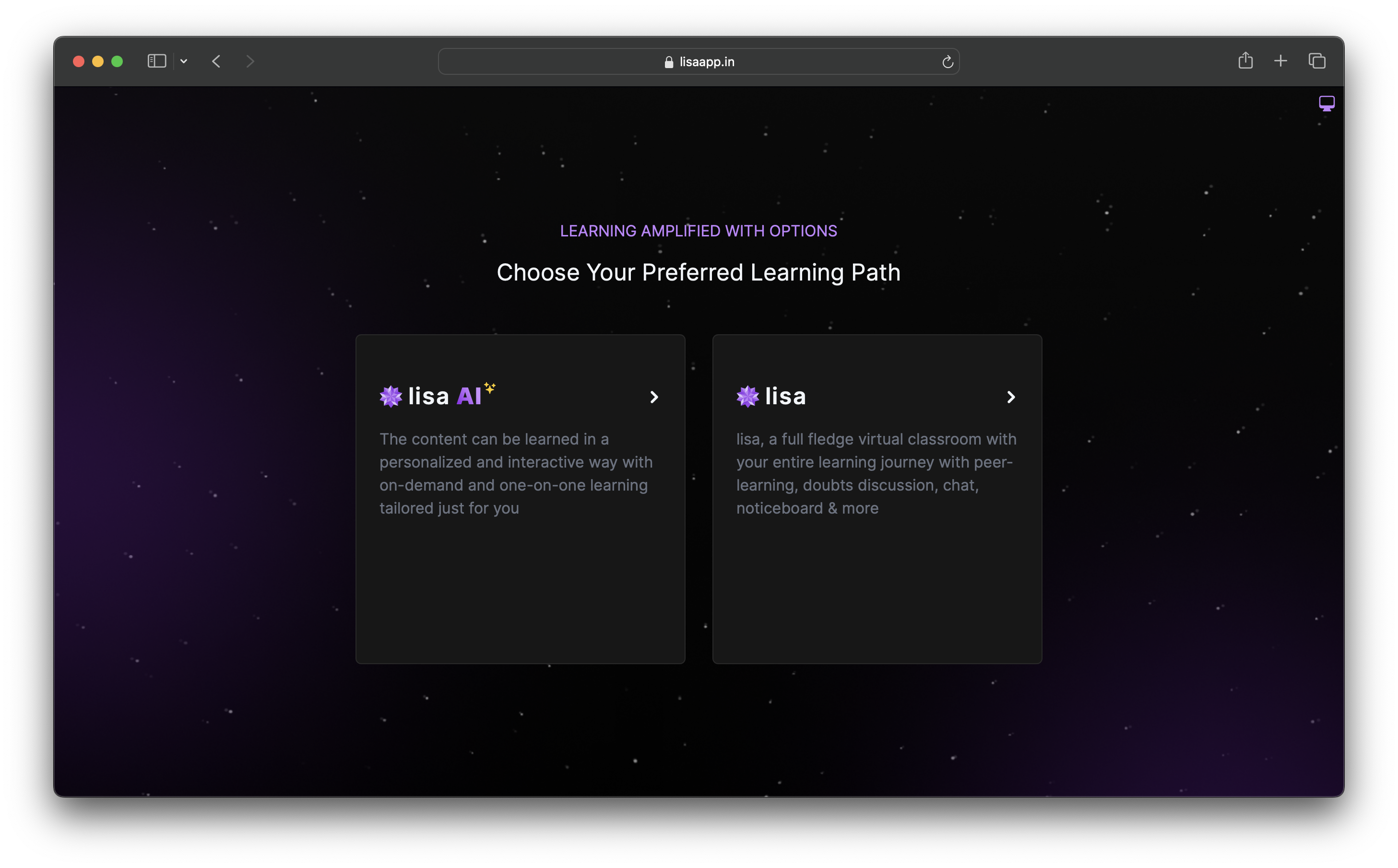
 After selecting organization, you'll be prompted to select platform. If you have access for both the platform.
If you have access to both the platform, you can choose the platform you want to access. But if you have only one platform access, you will be redirected to that platform directly.
After selecting organization, you'll be prompted to select platform. If you have access for both the platform.
If you have access to both the platform, you can choose the platform you want to access. But if you have only one platform access, you will be redirected to that platform directly.
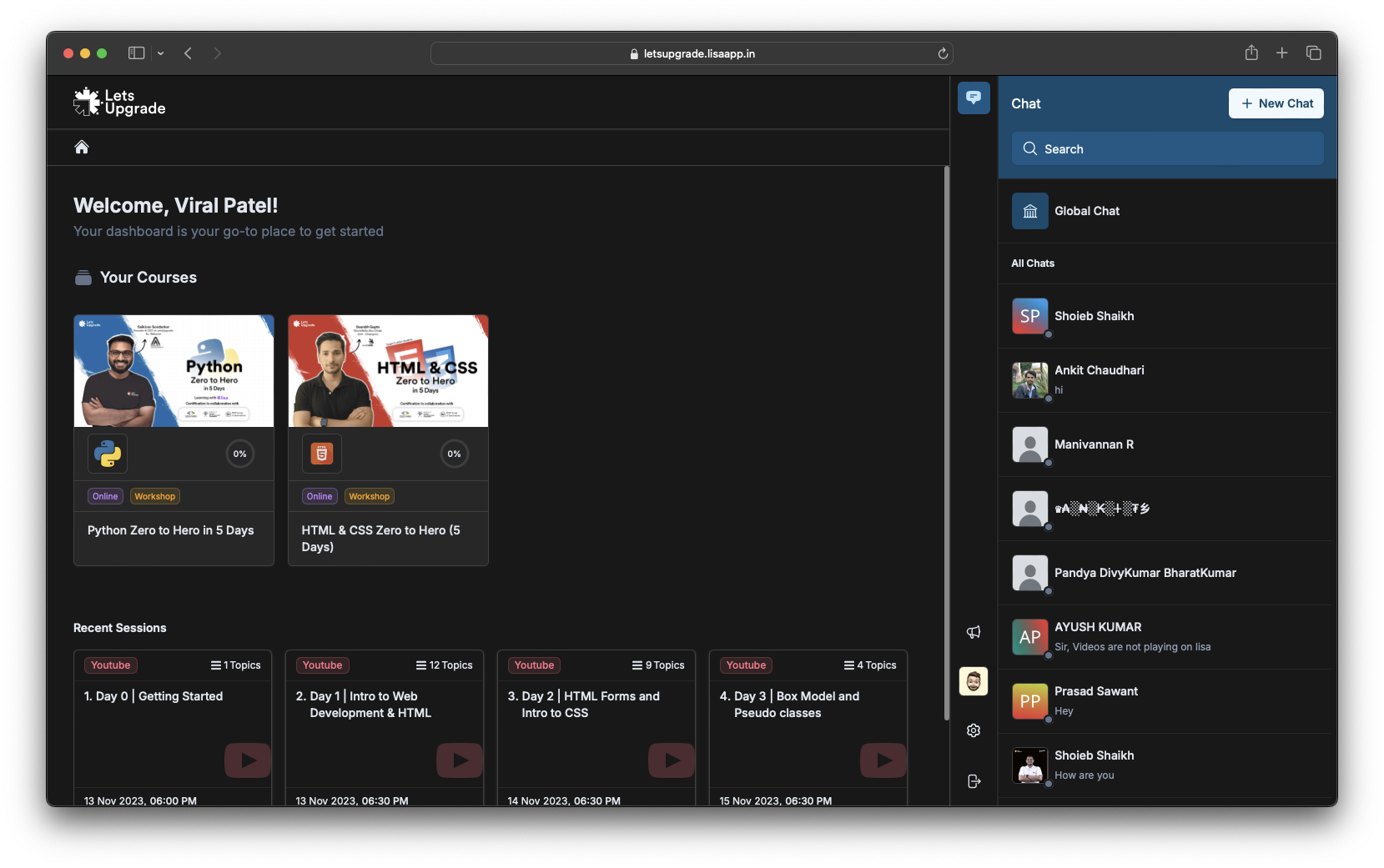
 Based on your role, the system will automatically redirect you to the
appropriate interface:
Access to Learning Experience Platofrm (LXP) as learner at
Based on your role, the system will automatically redirect you to the
appropriate interface:
Access to Learning Experience Platofrm (LXP) as learner at xyz.lisaapp.in
 Micro Learning Platform ( lisa ai ) at
 xyz.lisaapp.in/lisa-ai
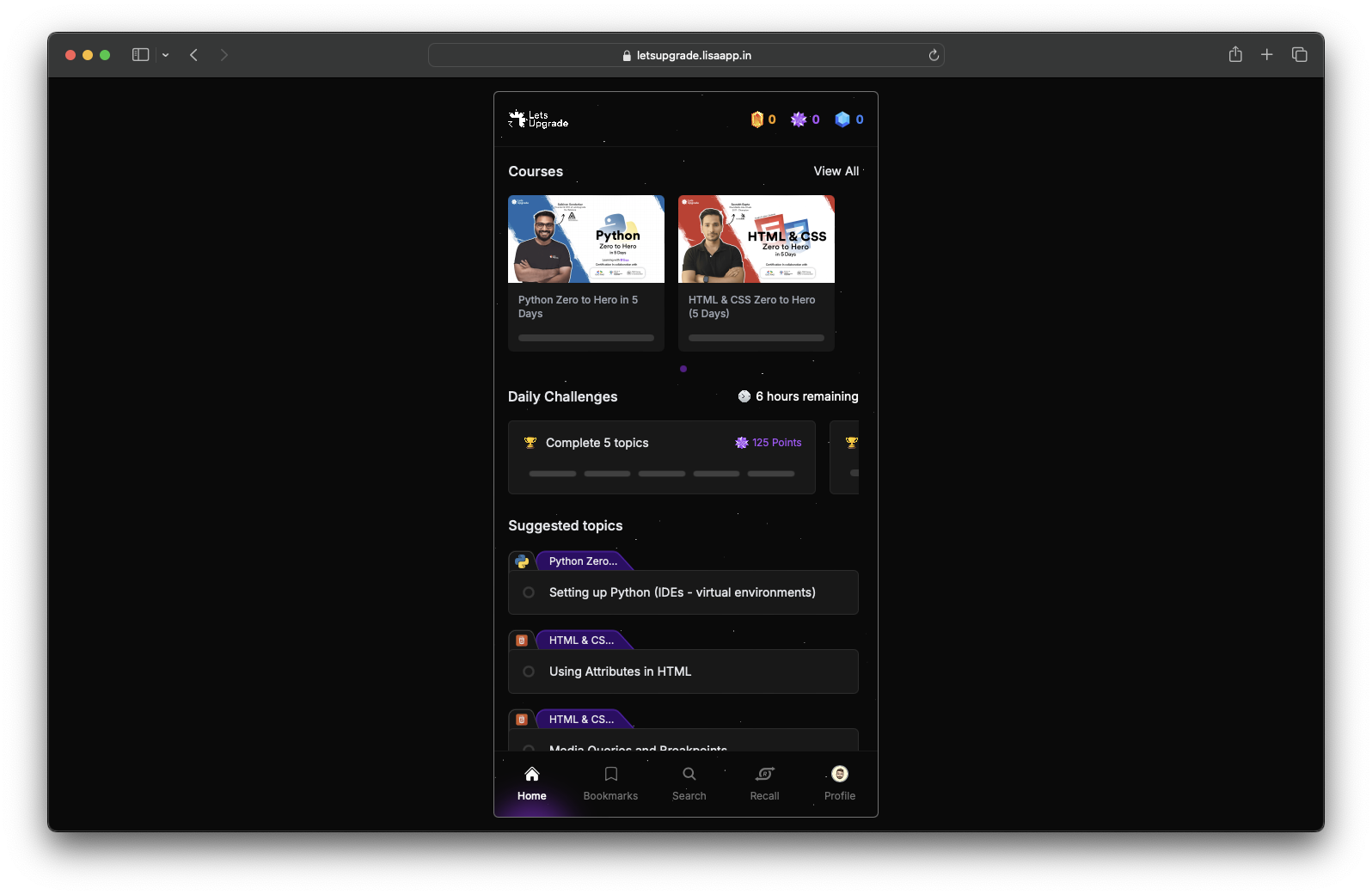 Access to Admin Console as admin role and other custom roles.
 xyz.lisaapp.in/admin
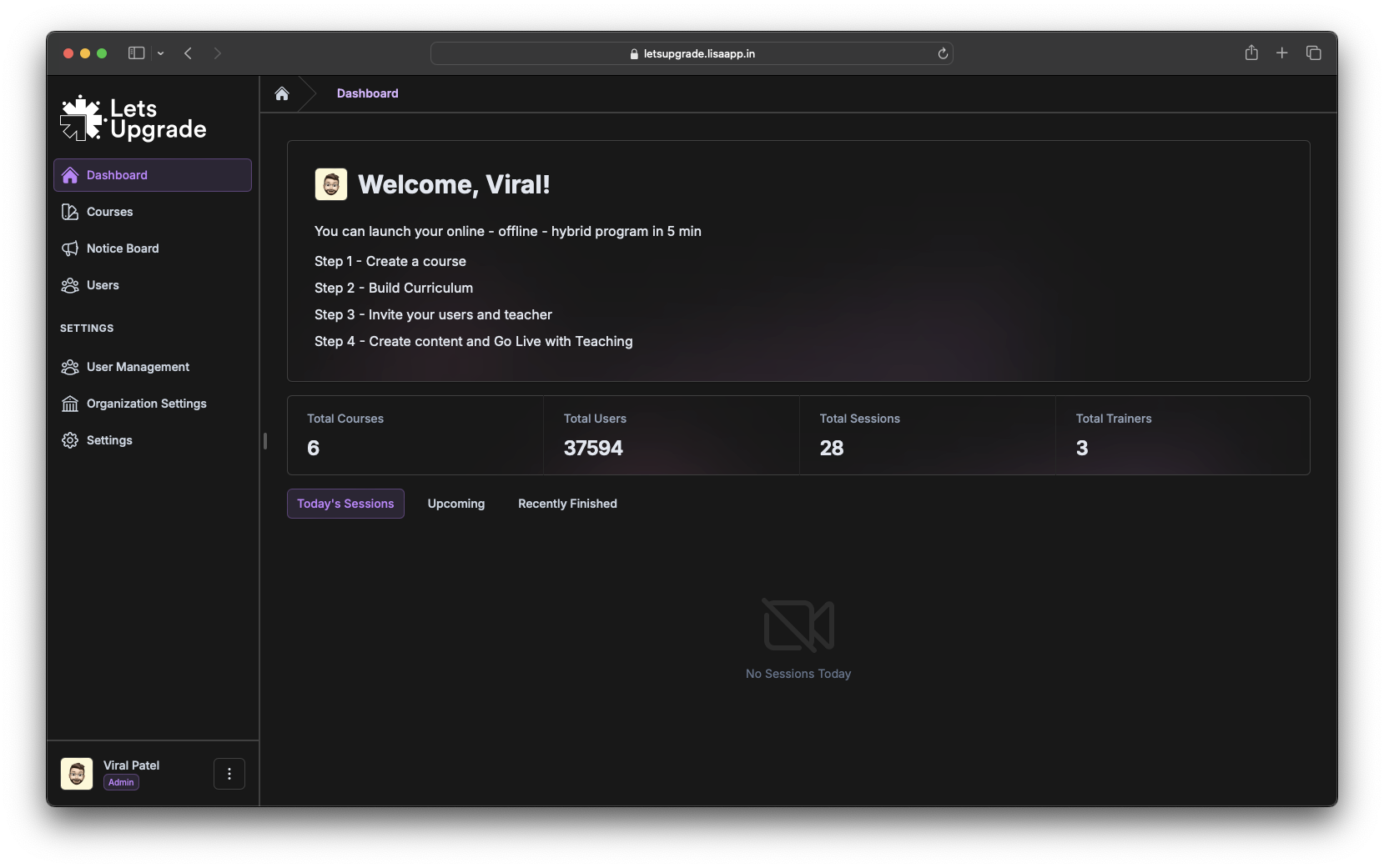 Access to Trainer Console as trainer for conducting sessions and assignment checking.
 xyz.lisaapp.in/trainer
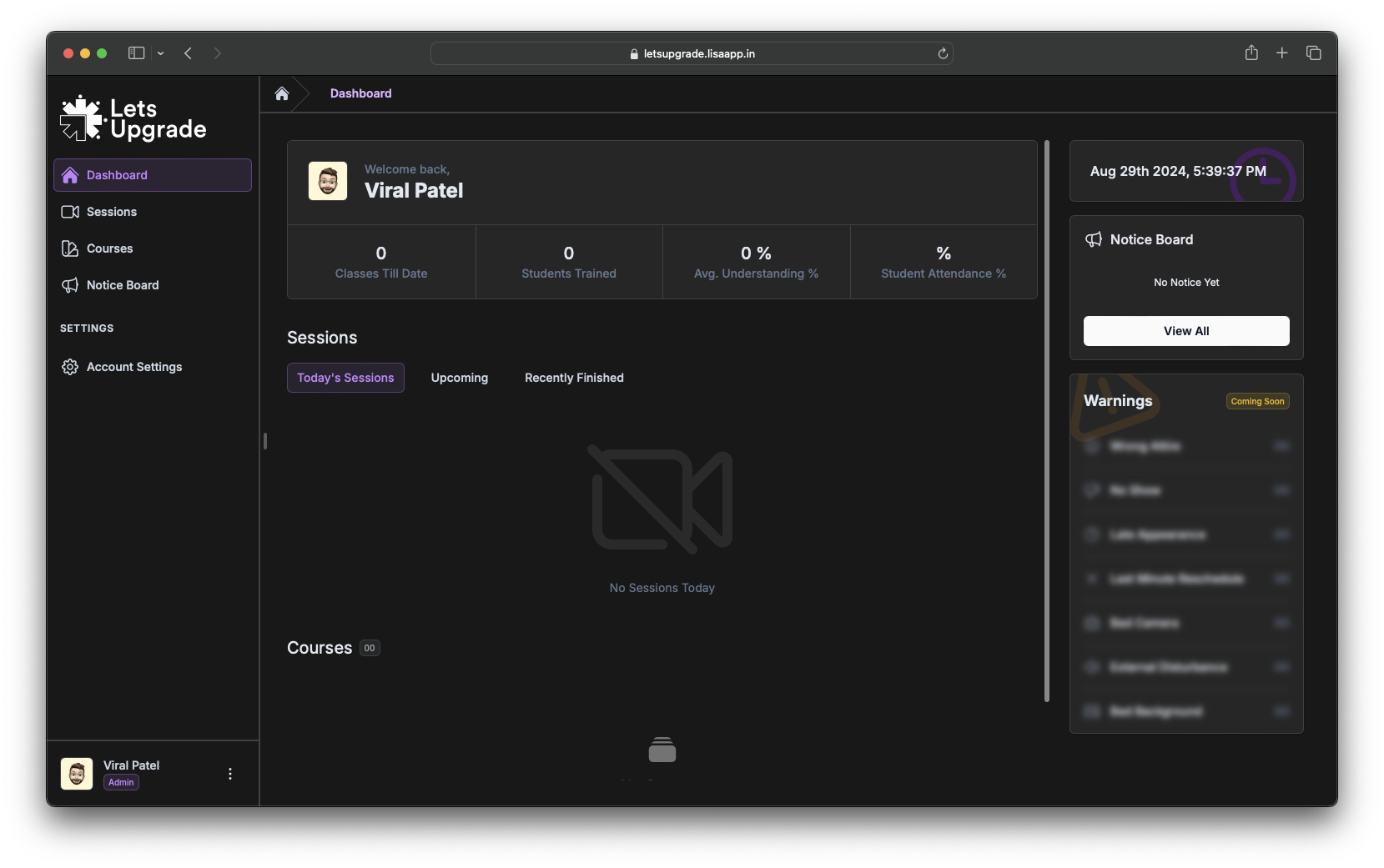 Having trouble logging in? Check our [troubleshooting
guide](/troubleshooting/login-issues) or contact your organization's LISA
administrator.
Having trouble logging in? Check our [troubleshooting
guide](/troubleshooting/login-issues) or contact your organization's LISA
administrator.